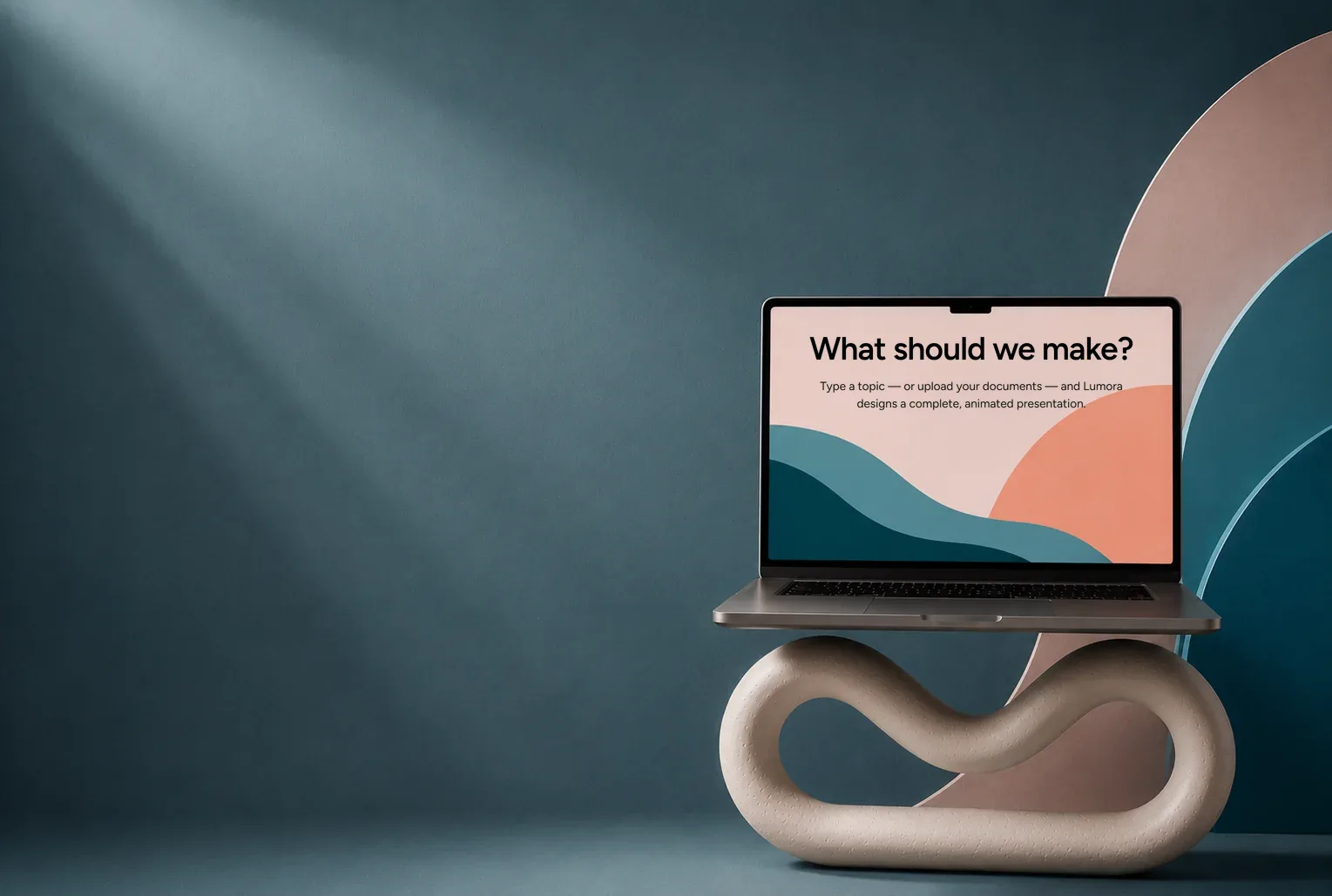
Create an
animated deck
Describe your topic in one sentence. Lumora writes it, designs it and animates it — a finished presentation you can edit in place, present full-screen and share with a link.
Pick your
starting point
Start from a blank topic, or read through the decks below — every slide of each, exactly as Lumora made them. Nothing here was touched up by hand.



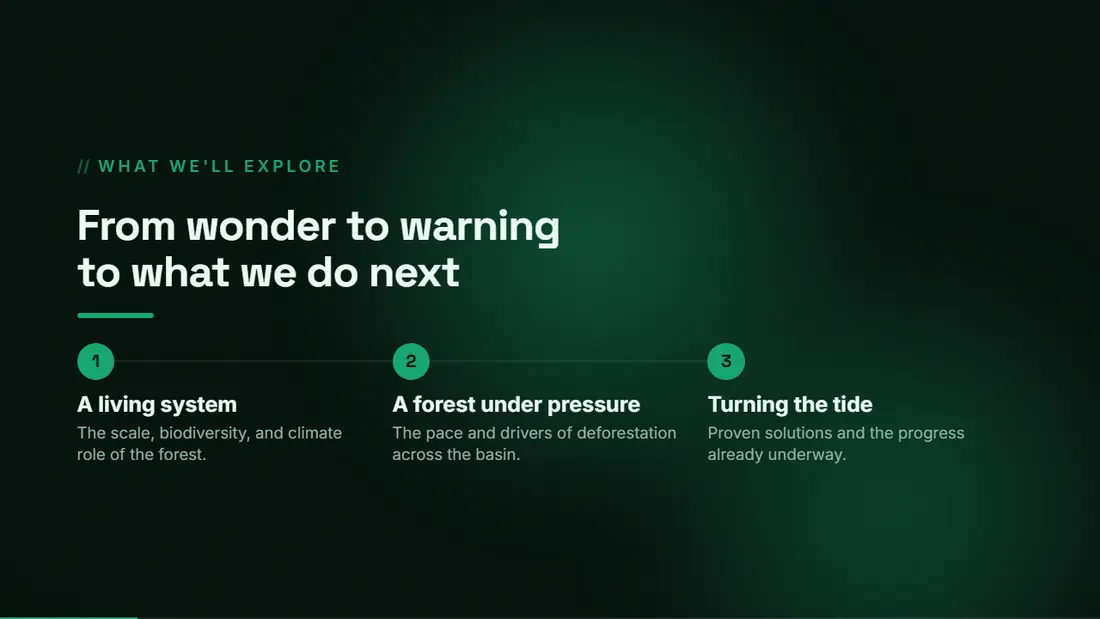

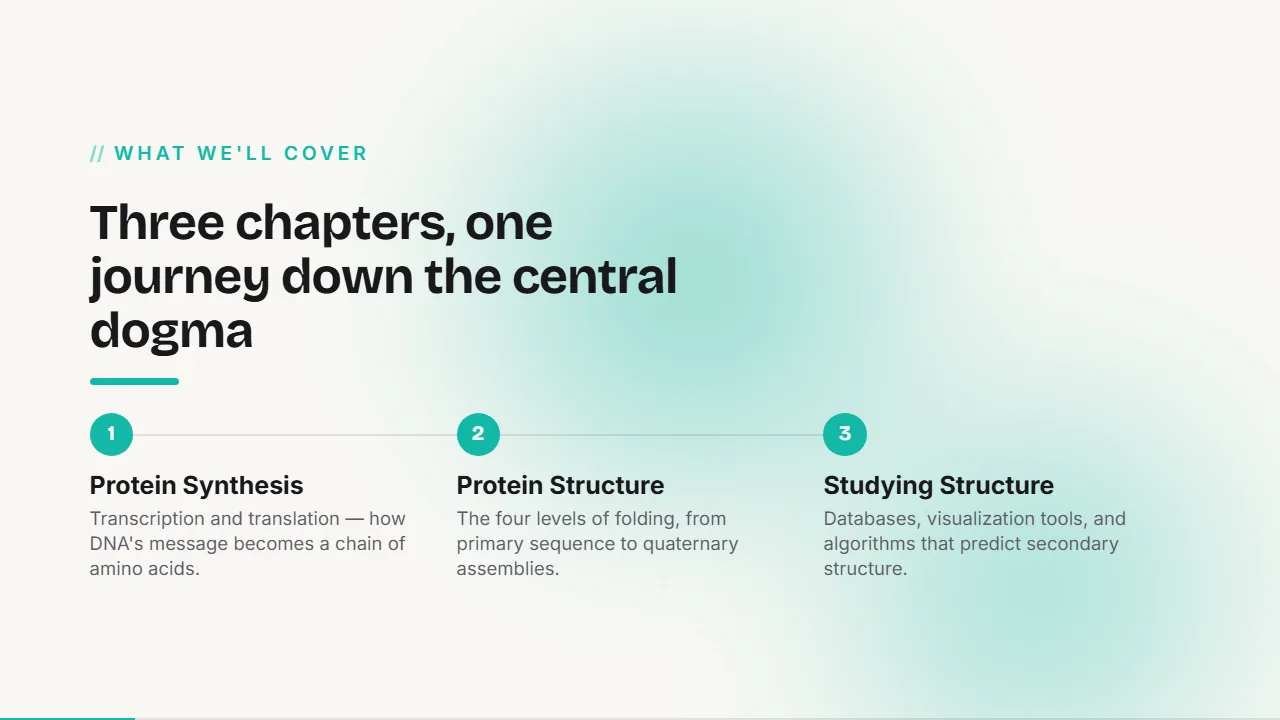


Create a deck that stands out.
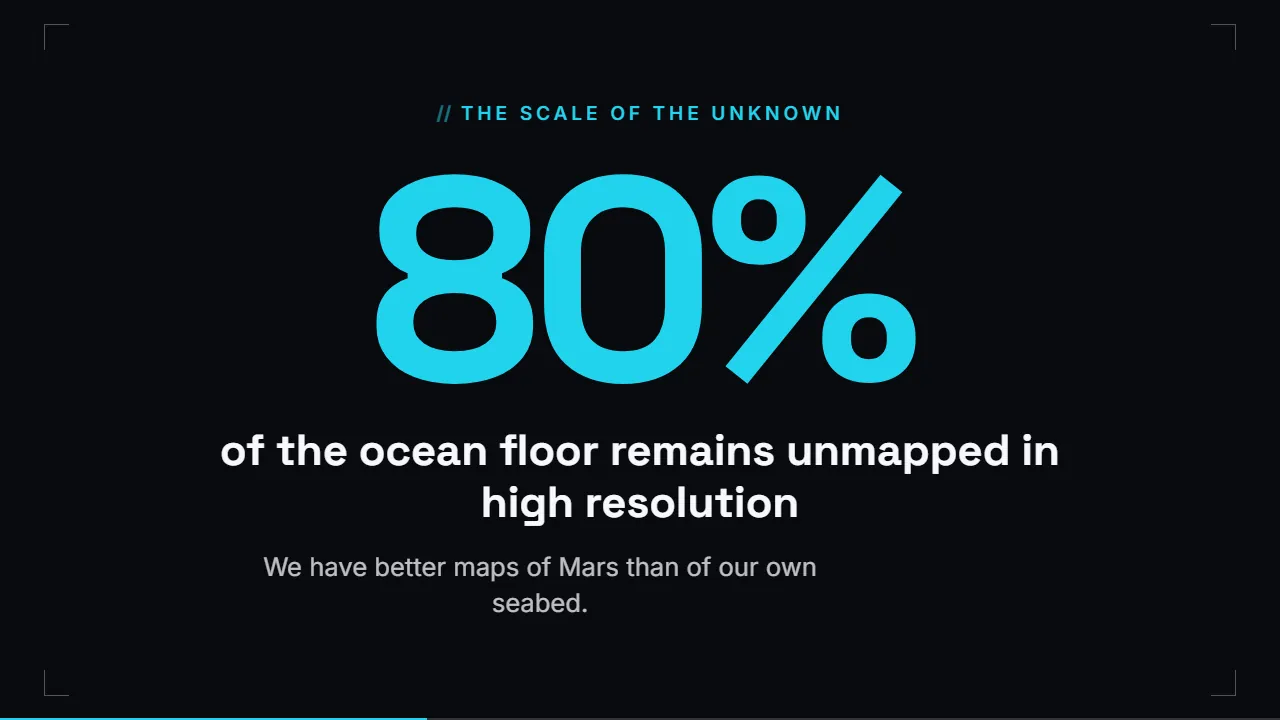
Seventeen crafted themes, six surface styles and a design system matched to your topic. Change the look of the whole deck at once — hierarchy, spacing and motion stay intact.
Every combination is live — this is the real slide renderer, not a picture of one.
A deck built
around your
actual story
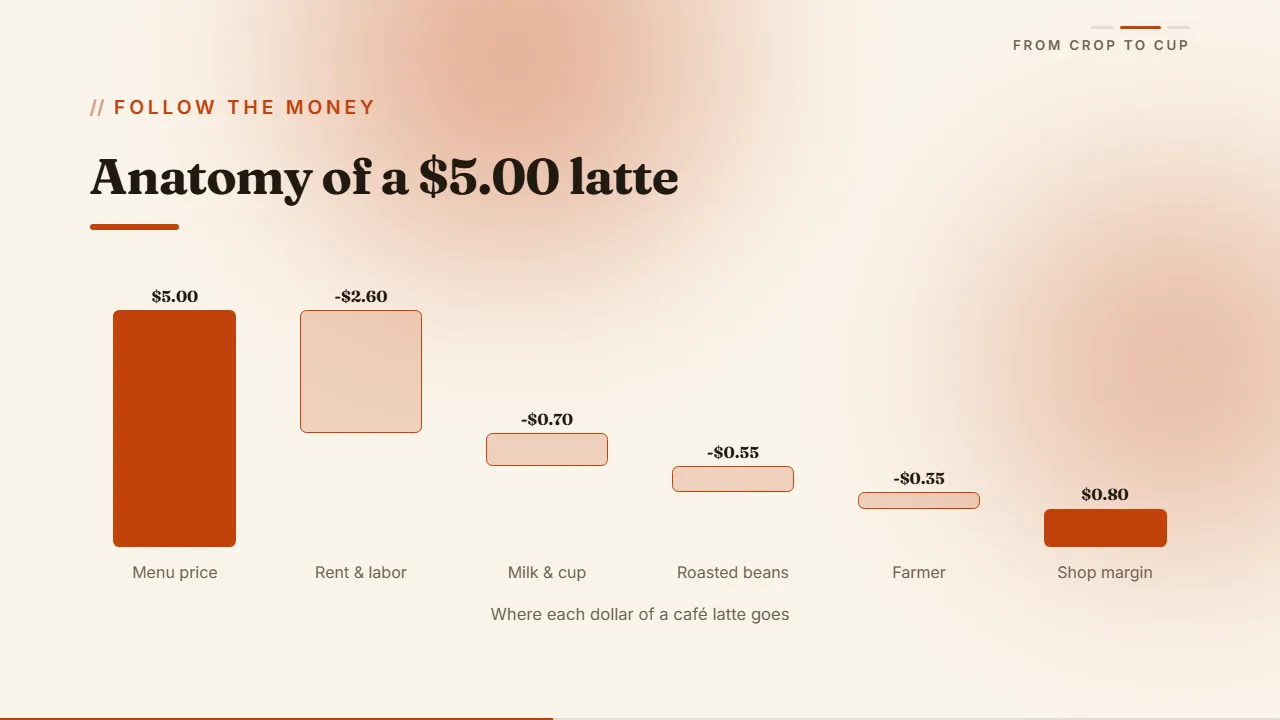
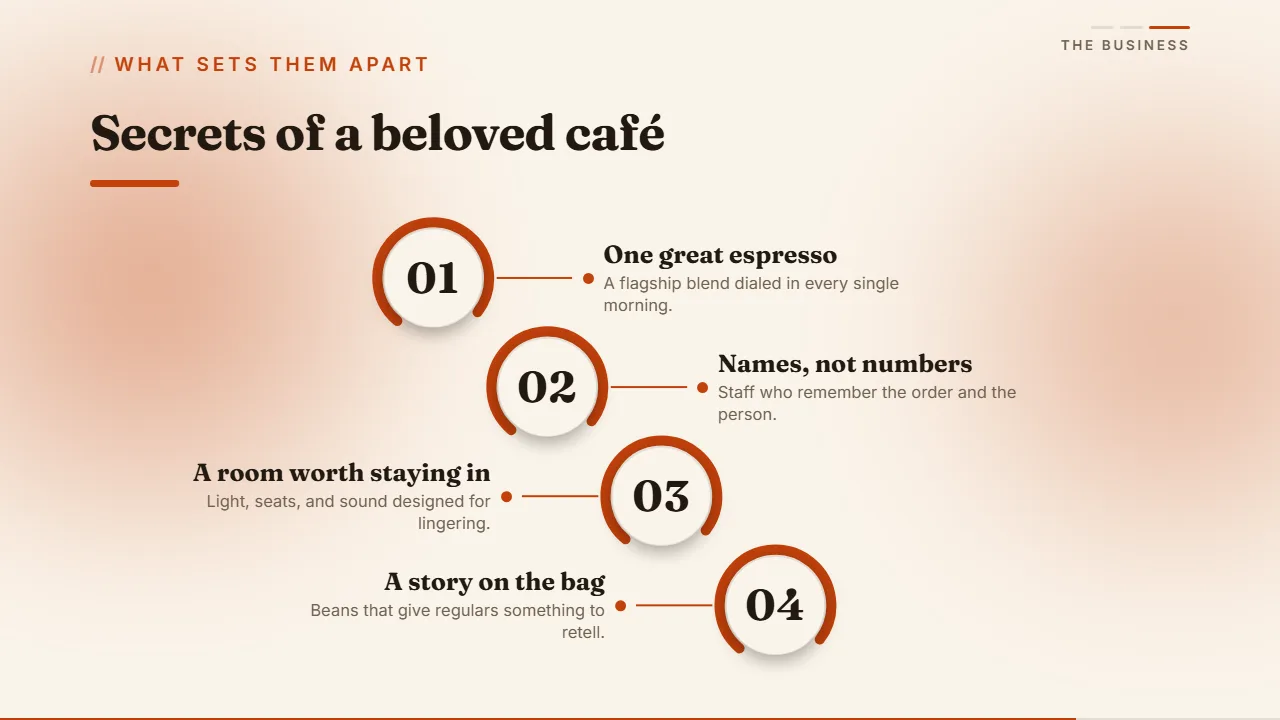
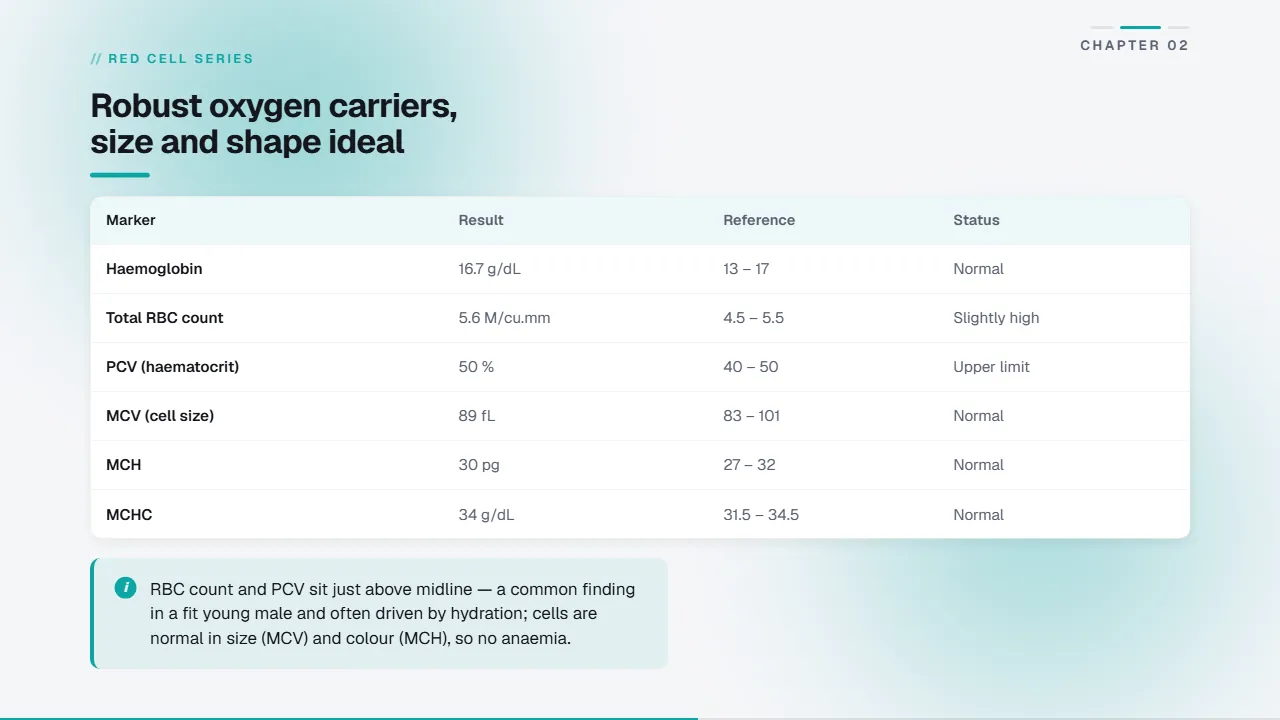
Lumora composes from thirty-one block types — covers, stats, charts, tables, timelines, maps and galleries — and picks the right one for every idea. Reorder, replace or restyle any of them in the Studio.


Ship it anywhere
Present it, hand it over, or send a link. Your deck keeps its design and its motion wherever it lands — and carries no watermark and no Lumora branding. It reads as your work, because it is.

Present full-screen
Chrome-free presenting with keyboard and swipe navigation. Every slide animates the moment you land on it.
Export as PDF
One click renders every slide at full fidelity — the real fonts, charts, tables and feathered imagery.
Share as link
Publish a read-only link anyone can open in a browser. No install, no account, nothing to download.
Make it yours
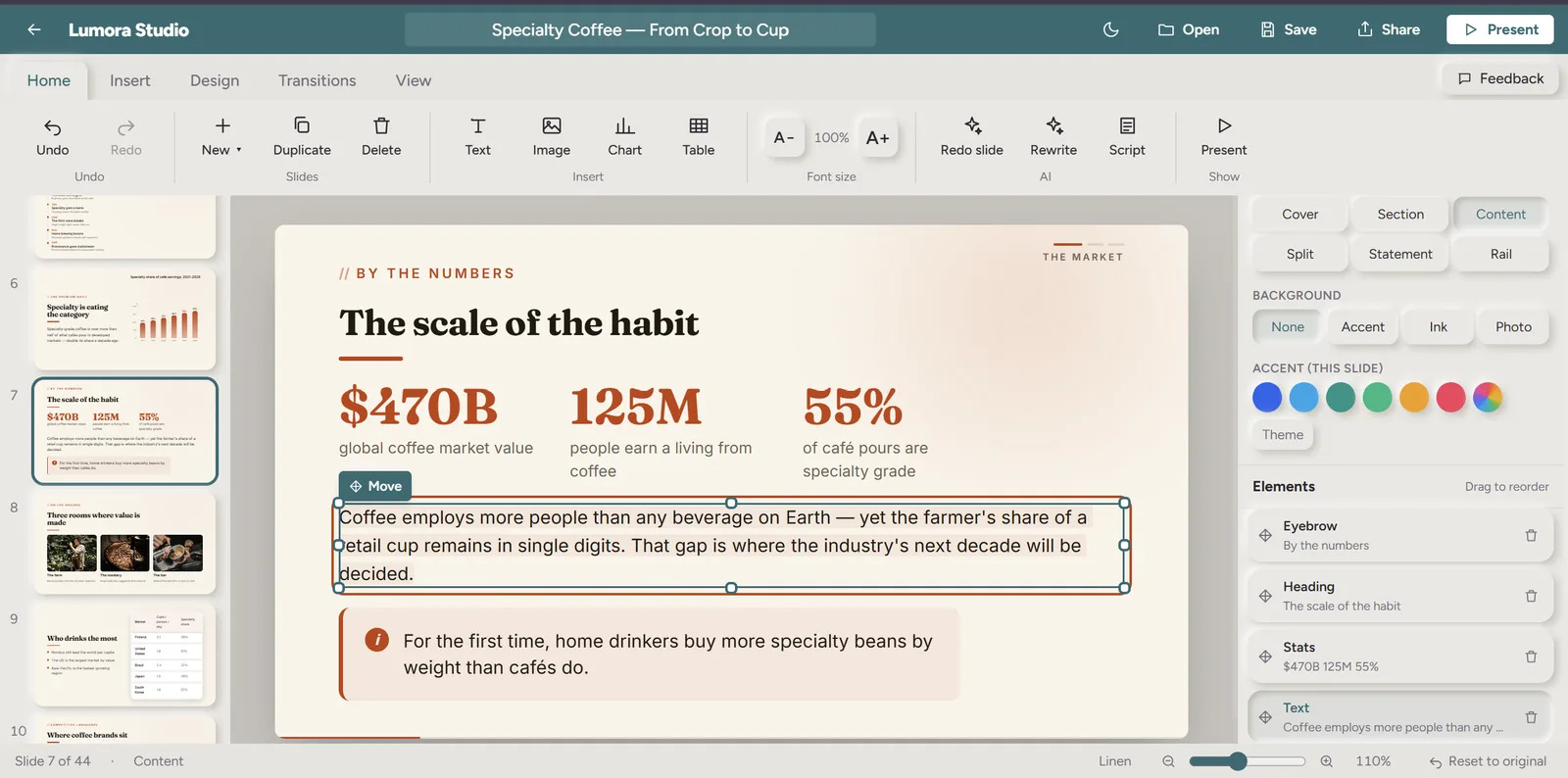
Edit every word in place.
Click any headline, bullet or caption and type. Move and resize anything on the canvas. No separate editor, no regenerating a whole deck to fix one sentence.

Re-theme the whole deck in one click.
Seventeen themes, six surface styles and a custom accent colour. Every slide re-skins instantly and keeps its hierarchy, spacing and motion.
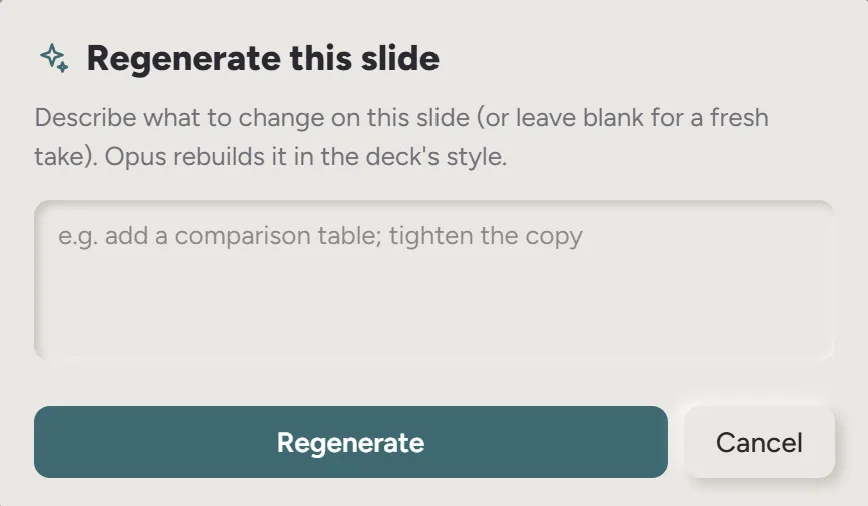
Ask AI to redo a single slide.
Regenerate any slide with an instruction — make it a chart, add a key stat, cut it in half — without touching the rest of the deck.
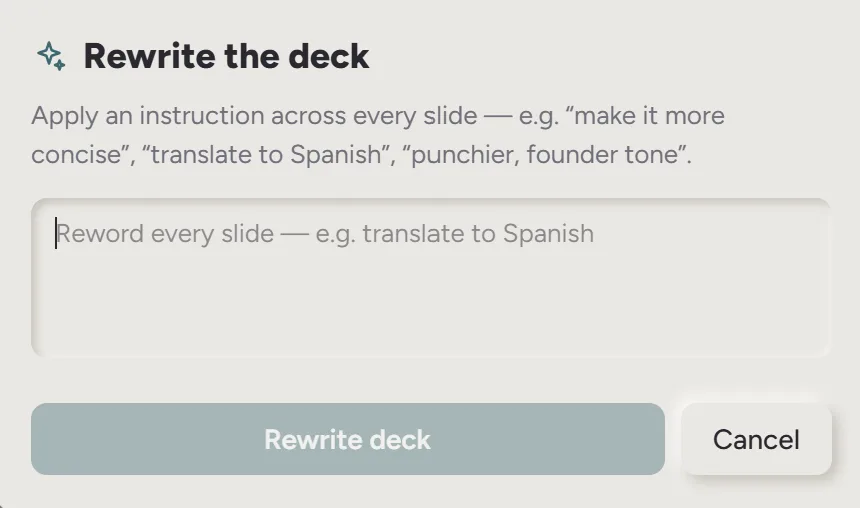
Rewrite the deck in any language.
Ask for Hindi, Spanish, Japanese — anything. Every headline, bullet and caption is translated in place; the layout, charts and design never move.
How to create
a deck
- 01.Describe the deck in one sentence — the topic, who it's for, what it has to prove.
- 02.Watch the slides stream in, designed and animated as they're written.
- 03.Edit anything in place, then re-theme or regenerate the slides you want to change.
- 04.Present full-screen, export a PDF, or share a read-only link.

We’re here to help
Questions about a deck, your plan or a payment? Email us and a human answers — usually the same day. Everything about billing lives on the pricing page and in the refund policy.
Lumora is the fastest way to turn an idea into a presentation.
Start free